What This Document Is
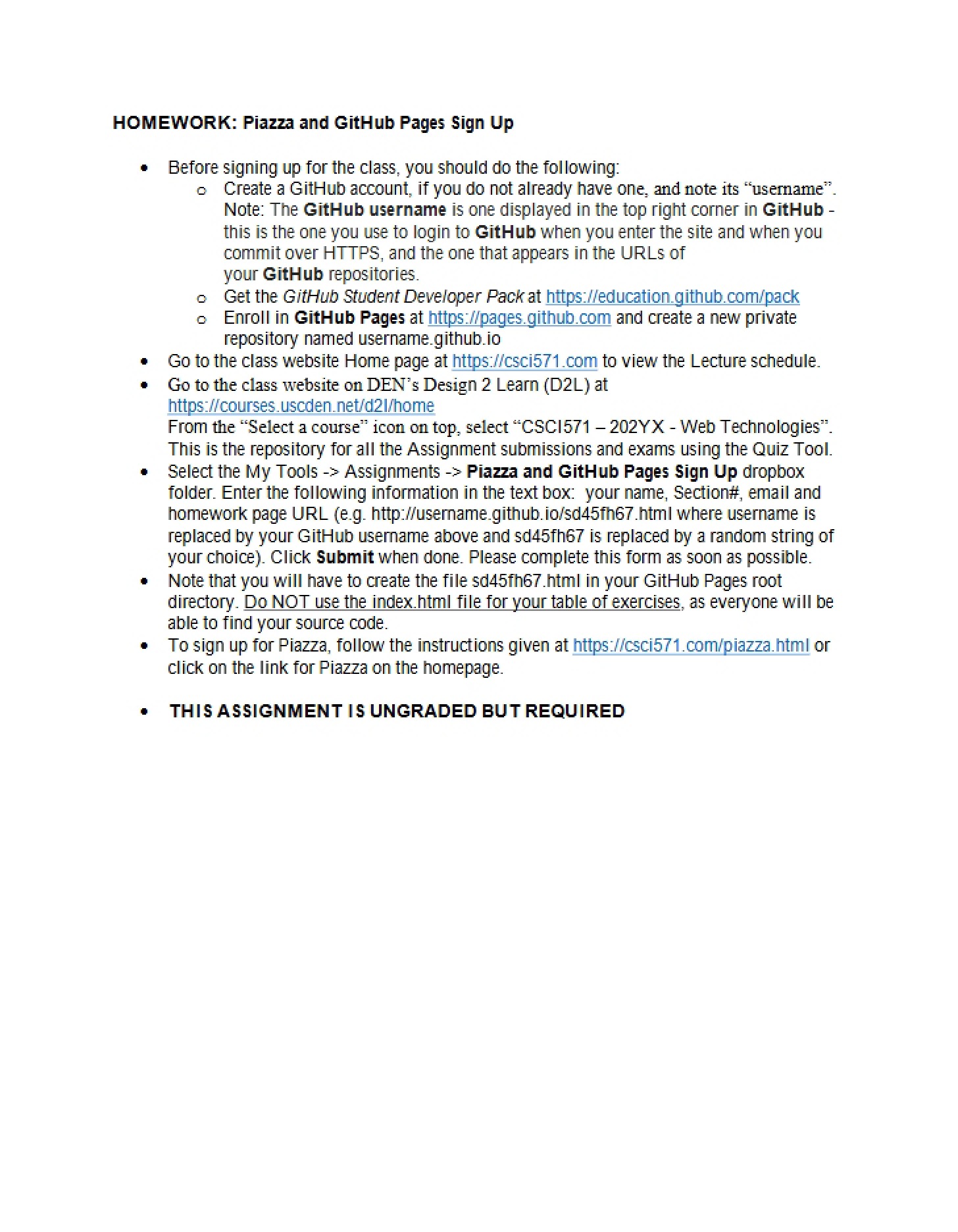
This is a detailed guide focused on setting up a foundational component for a web technologies course: utilizing GitHub Pages for personal web development. It’s designed as a hands-on assignment to help students gain practical experience with version control and web hosting, specifically within the GitHub ecosystem. The material walks through the necessary steps to establish a web presence for coursework, centered around a private repository.
Why This Document Matters
This resource is crucial for students enrolled in web development courses, particularly those using GitHub for assignments. It’s most beneficial at the *beginning* of a project-based course where students need to host their work online. Understanding these setup procedures is essential for successfully completing assignments that require a web-accessible portfolio or project page. It’s particularly valuable for students new to GitHub and those unfamiliar with the process of linking a repository to GitHub Pages.
Common Limitations or Challenges
This guide focuses *solely* on the initial setup of a GitHub Pages environment. It does not cover advanced topics like custom domain configuration, detailed HTML/CSS coding, or troubleshooting complex Git issues. It assumes a basic level of computer literacy but doesn’t provide a comprehensive introduction to Git itself. Furthermore, it’s specific to the requirements of this particular course and may not be directly applicable to all GitHub Pages setups.
What This Document Provides
* A step-by-step walkthrough of creating a GitHub account.
* Instructions on applying for and utilizing the GitHub Student Developer Pack to enable private repositories.
* Guidance on establishing a dedicated directory structure for coursework.
* Information on accessing and navigating the GitHub dashboard.
* Details on initiating the GitHub Pages service for hosting web content.
* Links to relevant external resources (GitHub’s official website, education portal).