What This Document Is
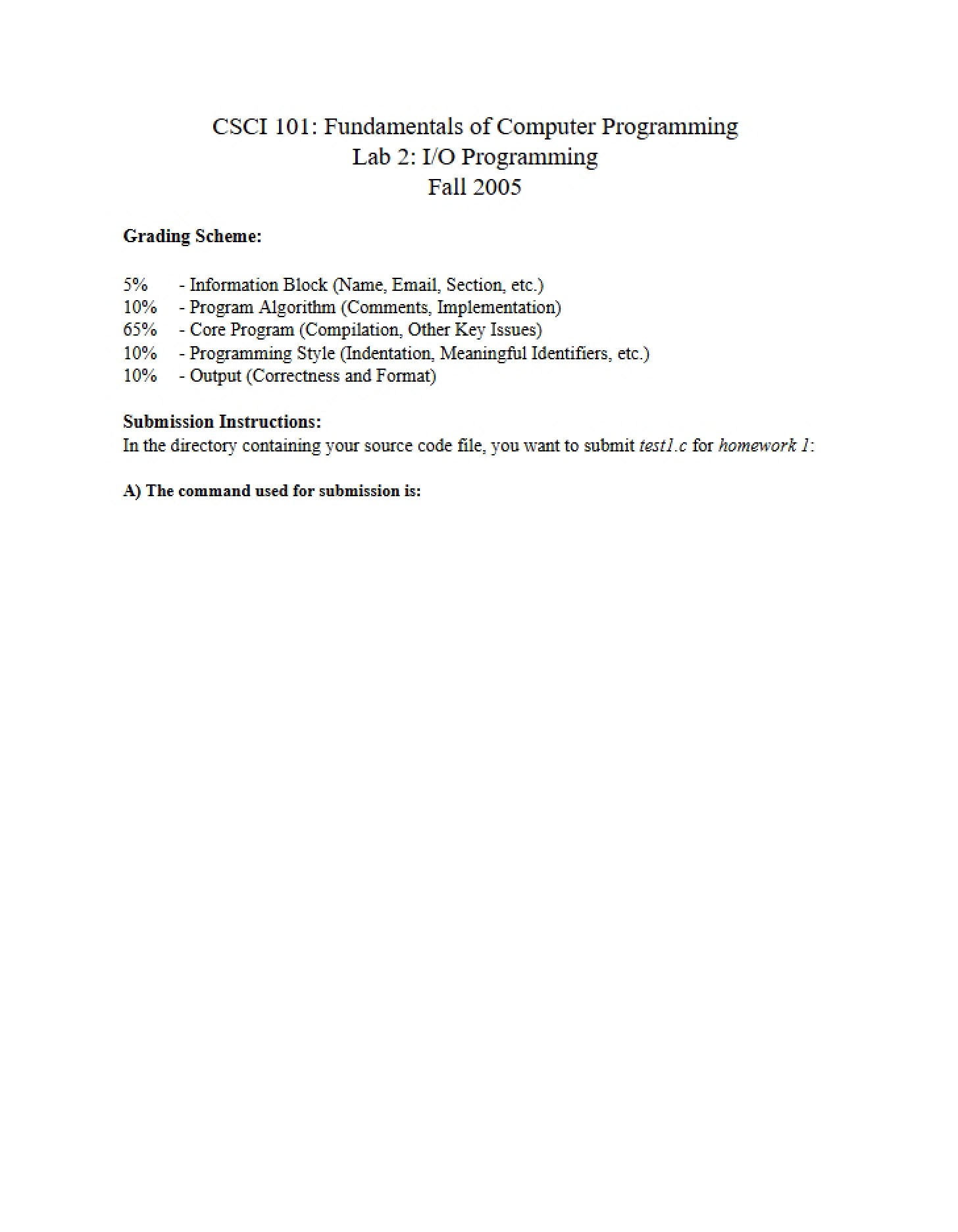
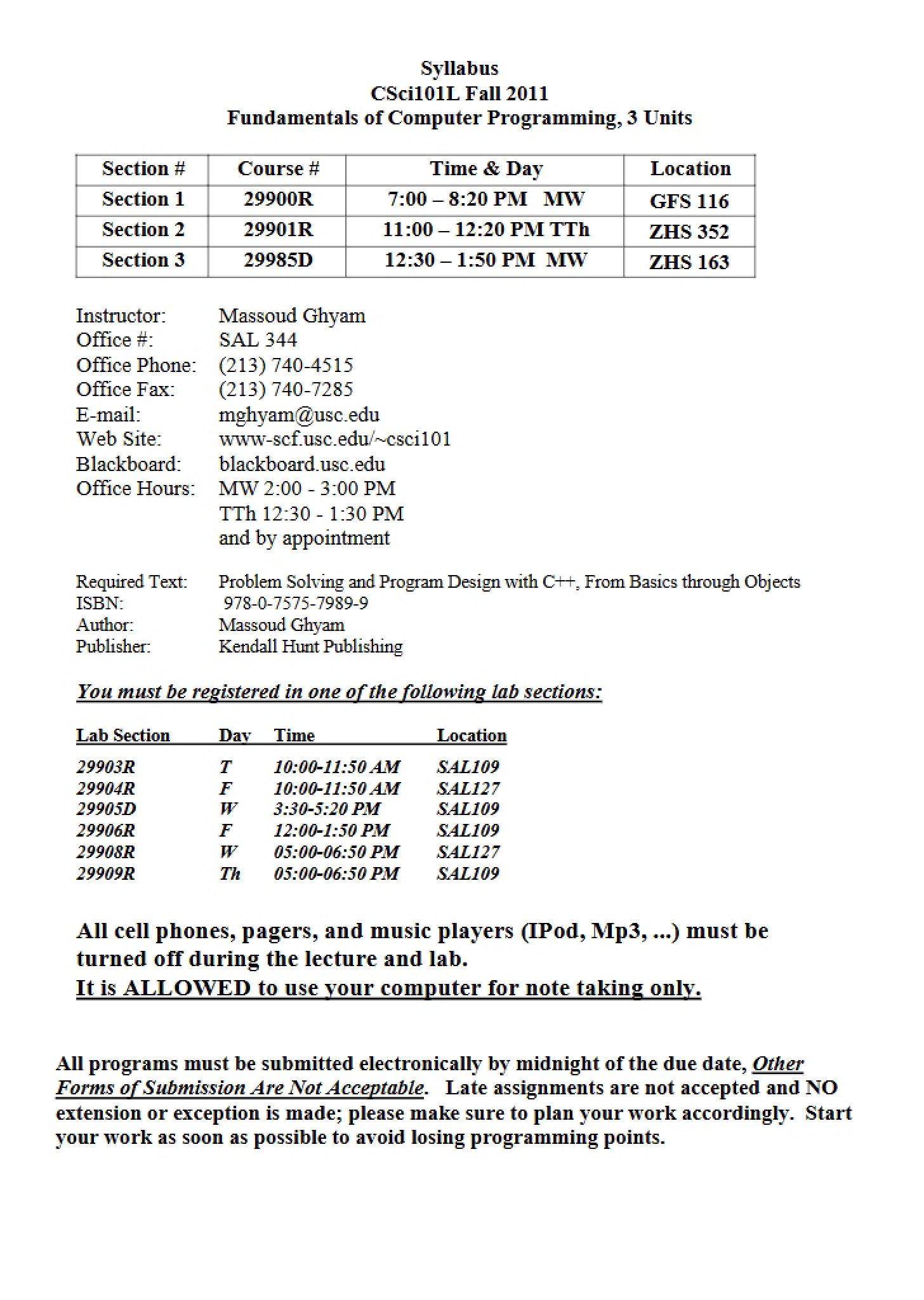
This is a laboratory assignment guide for CSCI 101L, Fundamentals of Computer Programming at the University of Southern California. It’s designed to help students successfully complete the initial setup and configuration required for the course’s programming environment. This assignment focuses on getting students acquainted with the necessary software and systems access needed to begin writing and running code. It’s a practical, hands-on guide intended to bridge the gap between theoretical concepts and actual implementation.
Why This Document Matters
This assignment is crucial for all students enrolled in CSCI 101L, particularly at the beginning of the semester. Successfully completing this lab will ensure you have the correct tools installed and configured, preventing frustrating roadblocks later on when tackling more complex programming tasks. It’s essential to work through this assignment *before* attempting other programming exercises, as many subsequent labs will build upon the foundation established here. Students who are new to the university’s computing infrastructure will find this particularly helpful.
Common Limitations or Challenges
This guide focuses specifically on the initial setup process. It does *not* provide in-depth instruction on the fundamentals of computer programming itself, nor does it cover advanced troubleshooting beyond the scope of basic configuration. It assumes a general familiarity with operating systems like Windows or MacOS. The document also reflects the system configurations as of a specific date and may require minor adjustments based on updates to university systems or software versions.
What This Document Provides
* Guidance on accessing and setting up your USC email account, a prerequisite for lab access.
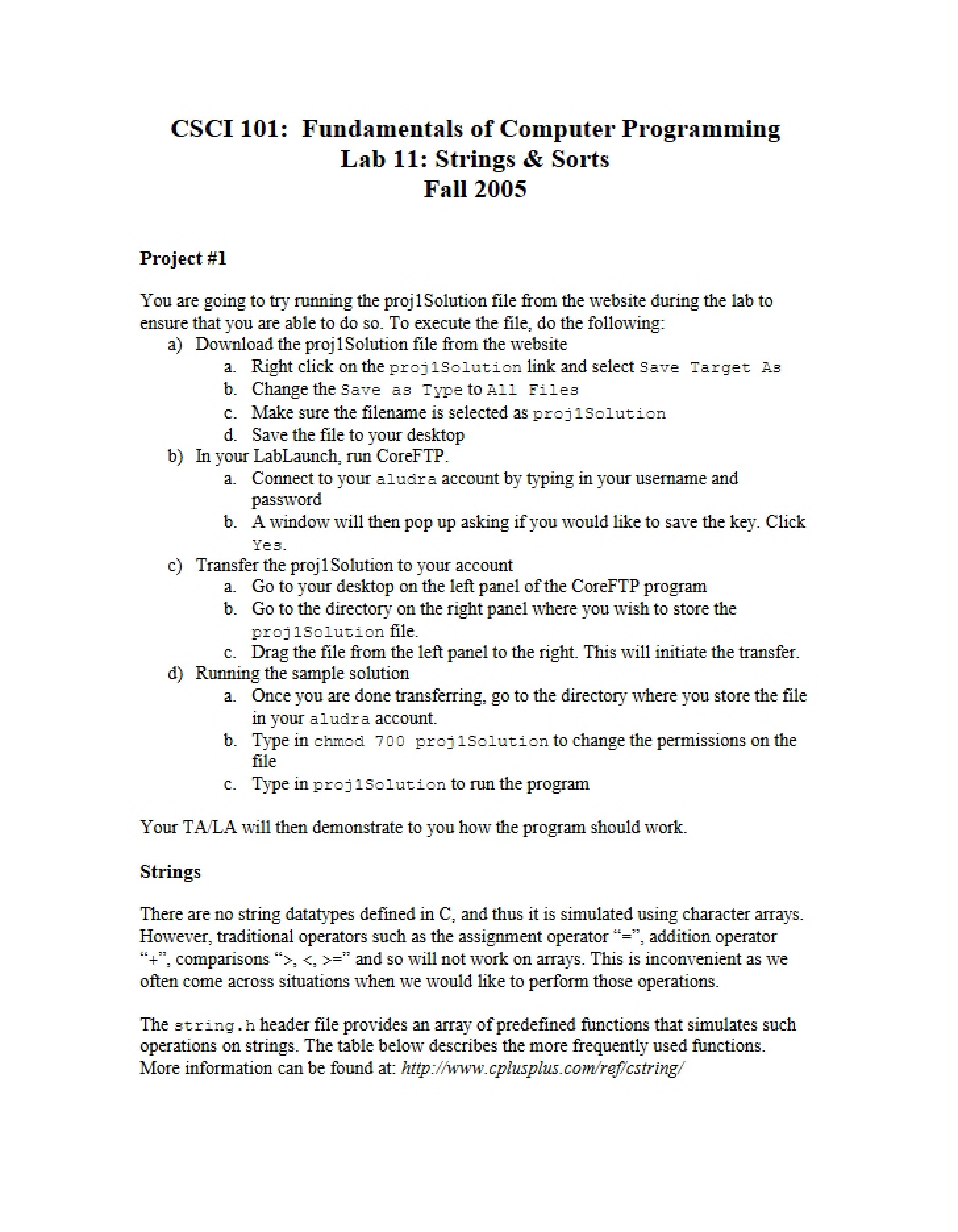
* Instructions for configuring a specific X-Win32 environment.
* Details on connecting to a remote server (aludra.usc.edu) for course-related work.
* Platform-specific instructions (Windows, MacOS, Linux) for establishing a connection to the university’s network.
* Information regarding university computing policies and account management.
* An overview of the UNIX operating system as it relates to the course.