What This Document Is
This document contains a set of practice questions designed to help students prepare for a lab exam in MAE 455, Computer-Aided Design and Drafting at West Virginia University. It focuses on practical application of skills learned throughout the course, specifically within the NX CAD software environment. The questions are structured around completing and modifying existing part and assembly files, rather than creating designs from scratch. This resource is intended to simulate the types of tasks and challenges students will encounter during the formal lab examination.
Why This Document Matters
This practice set is invaluable for students aiming to solidify their understanding of NX CAD techniques and build confidence before the lab exam. It’s particularly beneficial for those who learn best by doing, as it provides hands-on exercises. Students can use this resource to identify areas where they need further review or practice, allowing for targeted study. Working through these questions will help refine skills in part modeling, assembly design, sketching, feature modification, and the use of parametric relationships. It’s best utilized in the days leading up to the exam as a final assessment of readiness.
Common Limitations or Challenges
This document does *not* provide detailed tutorials or step-by-step instructions on how to complete each task. It assumes a foundational understanding of NX CAD principles and commands. It also doesn’t offer solutions or completed models; the intention is for students to independently apply their knowledge to solve the presented problems. Furthermore, the practice questions are representative of the exam format but may not cover *every* possible topic or skill assessed on the actual exam. Access to the NX CAD software and the necessary part files is also required to utilize this resource.
What This Document Provides
* A series of individual part modeling exercises requiring modification of existing geometry.
* Problems focused on utilizing sketches and feature constraints effectively.
* Tasks involving the application of parametric design principles using expressions.
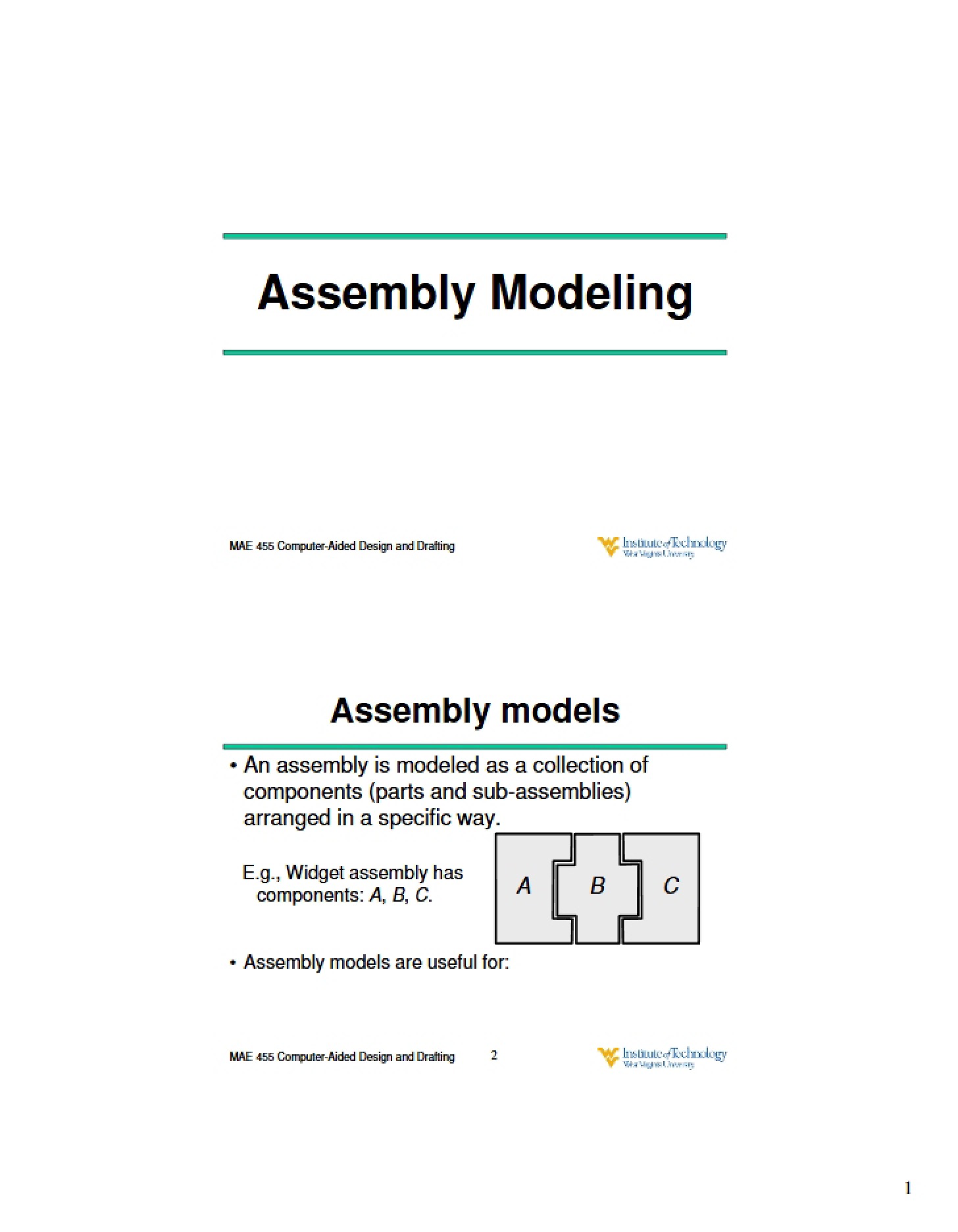
* Assembly modeling challenges, including bottom-up design techniques and mating constraints.
* Exercises centered around creating and manipulating arrangements, including exploded views.
* Practice with advanced features like lofting, surface modeling, and associative copying.
* Opportunities to practice proper file naming conventions and saving procedures.
* A range of complexity in tasks, from simple feature edits to more involved assembly creations.