What This Document Is
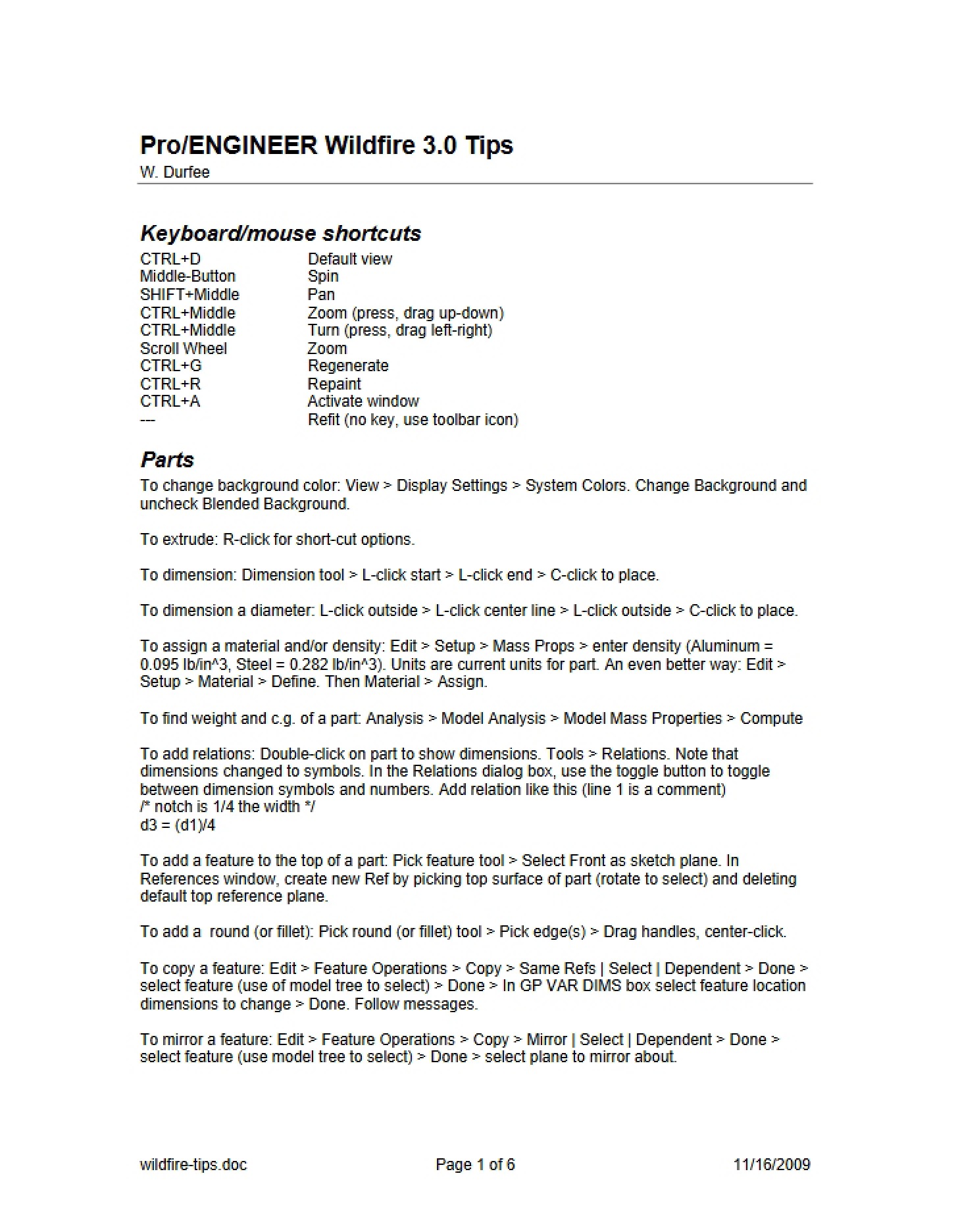
This is a focused quick start guide designed to introduce students to the Pro/ENGINEER Wildfire CAD software – specifically versions 3.0 and 4.0. It serves as a practical, hands-on resource for learning the fundamentals of this industry-standard engineering design tool. Developed for the ME 2011 Introduction to Engineering course at the University of Minnesota, it aims to rapidly build competency in core Pro/E workflows. The guide bridges the gap between theoretical concepts and practical application within a CAD environment.
Why This Document Matters
This guide is invaluable for students new to Pro/ENGINEER or CAD software in general. It’s particularly useful for those enrolled in introductory engineering courses where 3D modeling and design are key components. Mechanical engineering students, designers, and anyone needing to quickly gain proficiency in Pro/E will find this a helpful starting point. It’s intended to be used *while* actively working within the software, providing a companion to hands-on practice. It’s also beneficial for self-learners looking for a structured approach to mastering Pro/E Wildfire.
Common Limitations or Challenges
This guide is designed as a *quick start* resource. It does not cover the full breadth and depth of Pro/ENGINEER’s capabilities. It focuses on a specific set of tasks to build foundational skills, and won’t delve into advanced features or specialized modeling techniques. Users should be aware that while it provides a solid base, further exploration and practice will be necessary to become fully proficient. It assumes a basic familiarity with computer operation and navigating software interfaces.
What This Document Provides
* Guidance on accessing and starting Pro/E Wildfire on University of Minnesota ITLabs computers and information on obtaining a student edition.
* An explanation of common Pro/E terminology and notation used throughout the software.
* A structured walkthrough of creating fundamental geometric shapes.
* Instructions for assembling created parts.
* An introduction to generating engineering drawings from 3D models.
* A practical example involving the creation of a block, a pin, and an assembly illustrating their interaction.