What This Document Is
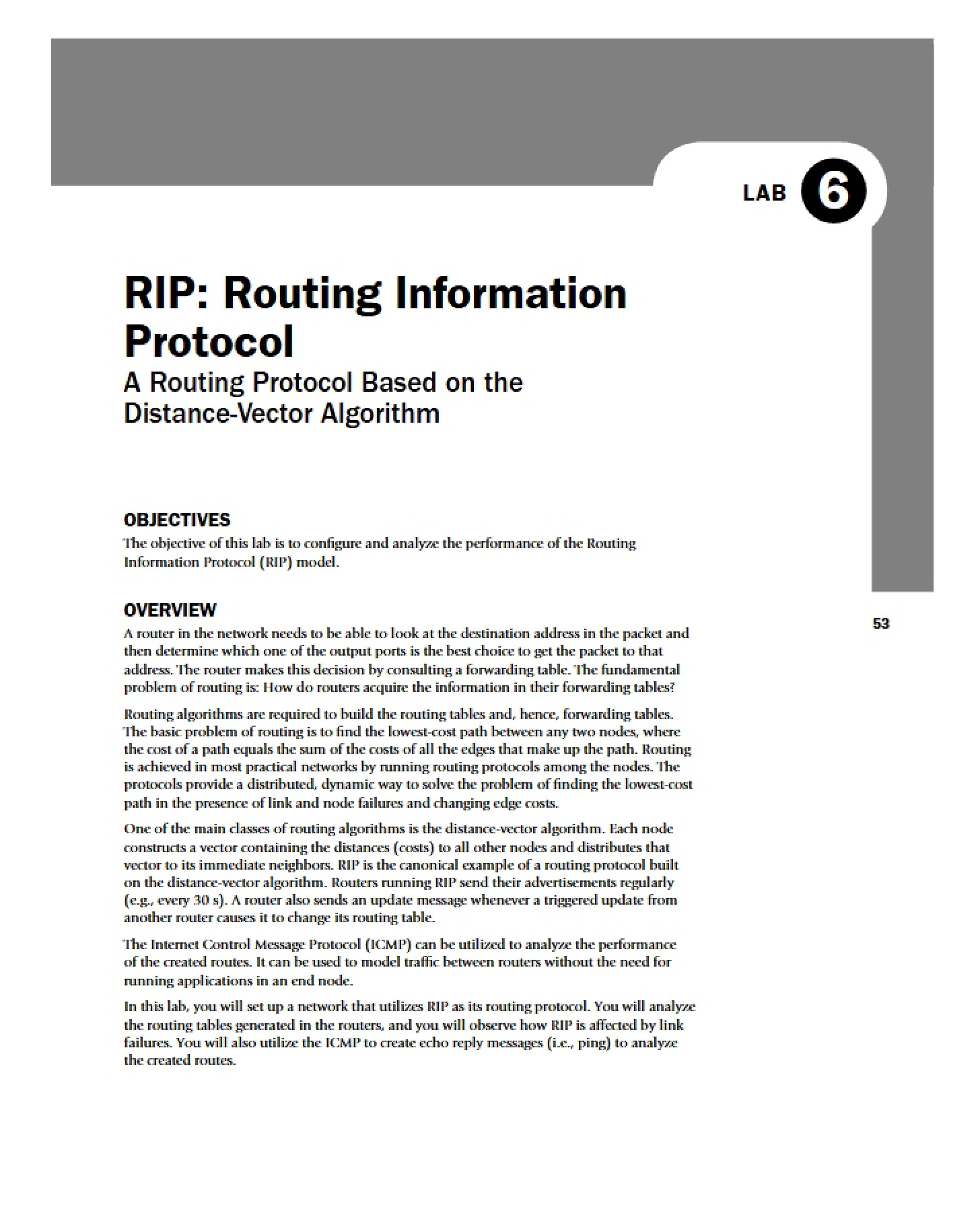
This resource is a focused guide addressing specific corrections and clarifications for a hands-on laboratory exercise within an Introduction to Computer Networks course (EE 450) at the University of Southern California. It centers around the Routing Information Protocol (RIP) and its implementation within a network simulation environment. The material details adjustments needed to successfully complete the RIP lab, addressing discrepancies between the lab instructions and the simulation software’s functionality. It’s designed to help students overcome hurdles encountered during the practical application of RIP concepts.
Why This Document Matters
This guide is essential for students currently working through the RIP lab assignment in EE 450. If you’re finding that the standard procedures outlined in the lab description aren’t functioning as expected within the network simulation software, this resource will provide targeted guidance. It’s particularly useful when you encounter issues with configuring simulation parameters, accessing necessary files, or interpreting results. Successfully navigating these corrections is crucial for accurately understanding RIP’s behavior and achieving the learning objectives of the lab.
Common Limitations or Challenges
This resource does *not* provide a comprehensive explanation of RIP itself. It assumes a foundational understanding of routing protocols and the basics of network simulation. It also doesn’t offer a complete walkthrough of the entire lab; instead, it focuses specifically on points where the original lab instructions require modification or clarification. Furthermore, it doesn’t provide pre-made solutions or data – it guides you toward *how* to find the correct information within the simulation environment.
What This Document Provides
* Clarification on configuring specific simulation parameters related to RIP.
* Guidance on locating and accessing critical data files generated by the simulation.
* Instructions on navigating the simulation software interface to view relevant performance metrics.
* Details on accessing and interpreting routing table information within the simulated network.
* Troubleshooting tips for common issues encountered when working with the RIP lab setup.