What This Document Is
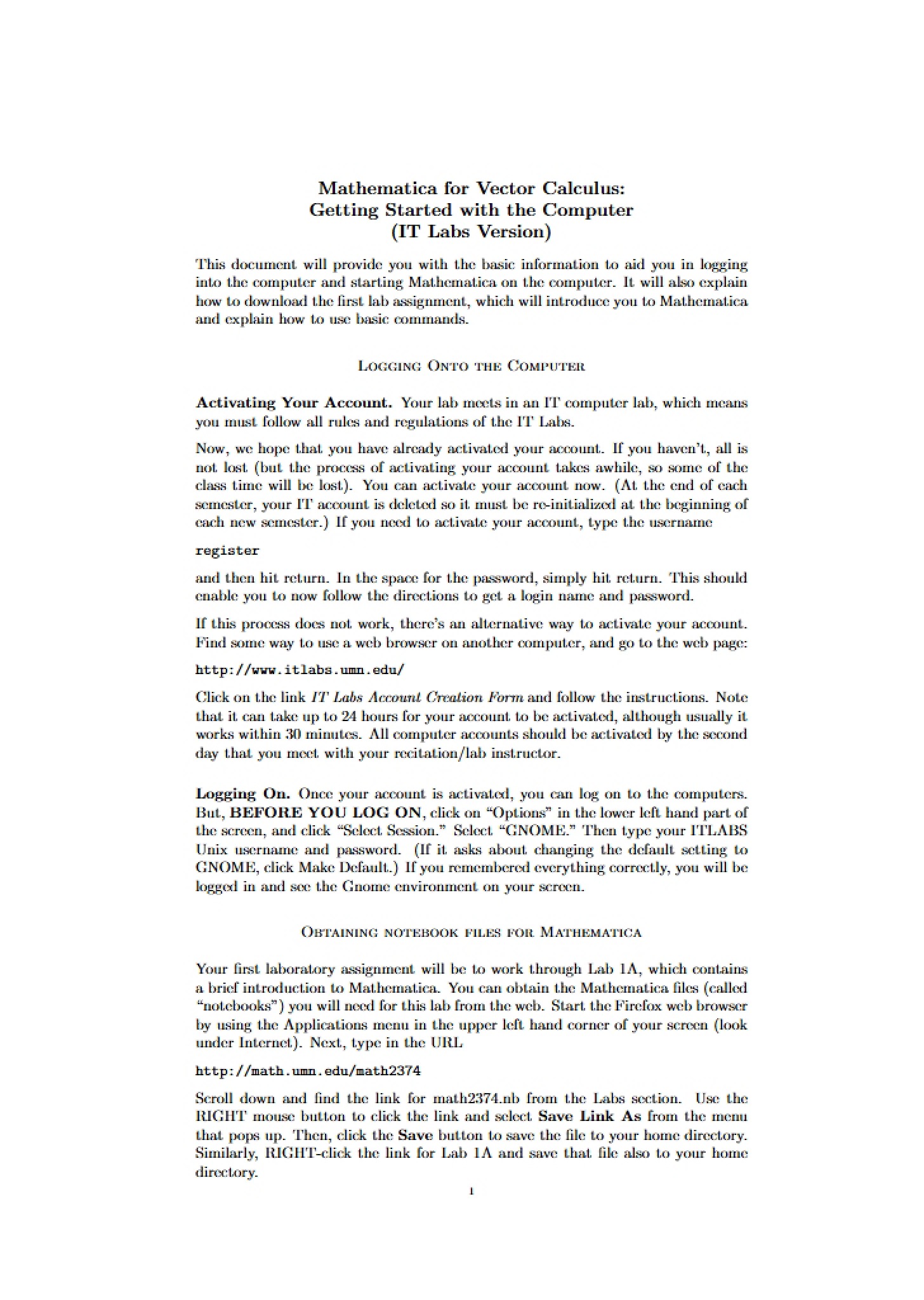
This is a getting started guide specifically designed for students enrolled in CSE Multivariable Calculus and Vector Analysis (MATH 2374) at the University of Minnesota Twin Cities. It focuses on the practical aspects of utilizing Mathematica, a powerful computational software, within the context of the course. The guide bridges the gap between theoretical mathematical concepts and their implementation using a computer algebra system. It’s intended to help students navigate the university’s computer labs and successfully access and utilize necessary files for coursework.
Why This Document Matters
This resource is essential for any student in MATH 2374 who is unfamiliar with Mathematica or needs assistance with the initial setup and login procedures. It’s particularly valuable at the beginning of the semester, before the first lab assignment, and whenever students encounter difficulties accessing course materials or running the software on campus computers. Successfully working through the initial steps outlined in this guide will save valuable time and frustration, allowing students to focus on the core mathematical concepts of the course. It’s designed to ensure a smooth transition into using computational tools for advanced calculus and vector analysis.
Common Limitations or Challenges
This guide is focused *solely* on the logistical aspects of accessing and running Mathematica. It does not cover the mathematical concepts themselves, nor does it provide in-depth tutorials on the software’s advanced features. It assumes a basic level of computer literacy and does not offer troubleshooting for general computer issues. Furthermore, it doesn’t provide assistance with password recovery beyond directing users to the appropriate university resources. It is a starting point, not a comprehensive Mathematica manual.
What This Document Provides
* Guidance on logging into university computer accounts.
* Instructions for accessing and utilizing terminal windows.
* Information on changing and managing user passwords.
* Details on obtaining necessary notebook files for lab assignments.
* Step-by-step directions for launching and exiting Mathematica.
* A list of locations where Mathematica is available on campus.
* Important notes regarding file saving and disk space limitations.
* Reminders about Mathematica’s sensitivity to correct syntax.