What This Document Is
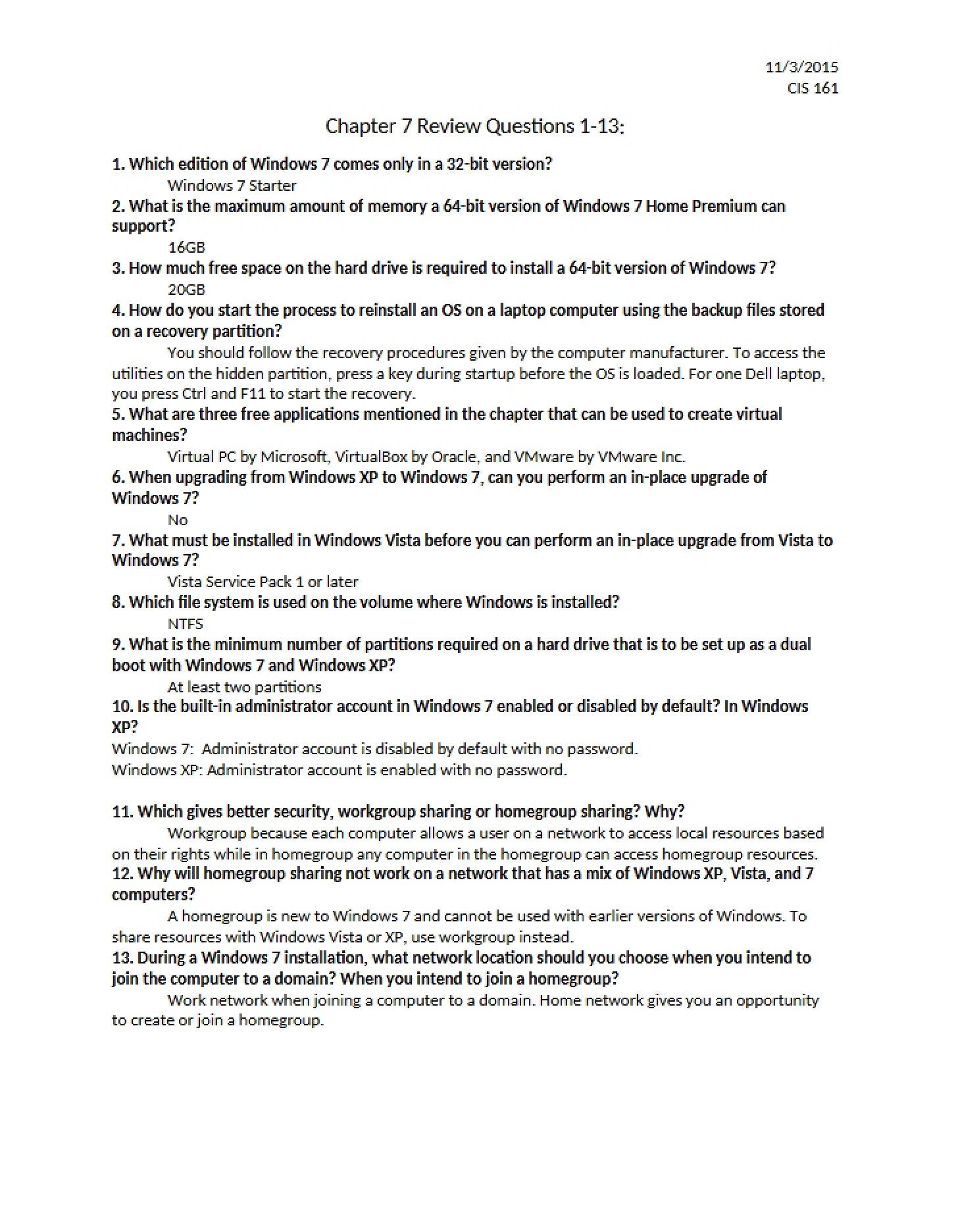
This resource is a focused set of review questions designed to assess your understanding of fundamental operating system concepts, specifically within the context of Windows 7. It’s crafted to help students reinforce their learning after engaging with chapter materials on OS functionality and user interaction. This isn’t a textbook replacement, but a tool to actively test and solidify knowledge.
Why This Document Matters
This question set is ideal for students enrolled in introductory computing courses, like CIS 161 at UCLA, who are preparing for quizzes or exams covering operating system basics. It’s particularly useful for self-assessment – allowing you to pinpoint areas where further study might be beneficial. Working through these questions can improve recall and build confidence before formal evaluations. It’s best used *after* you’ve completed the assigned reading and lectures for Chapter 3.
Topics Covered
* Core Operating System Functions
* Windows 7 User Interface Features (Aero Snap, Flip 3D)
* Taskbar Customization and Functionality
* File Management within Windows 7
* Understanding File Types and Extensions
* System Performance Considerations
* Accessing System Information and Troubleshooting Tools
* User Account Control (UAC) and Security
* Windows 7 Editions and System Limitations
What This Document Provides
* A series of targeted questions covering key concepts from Chapter 3.
* A format designed for quick self-evaluation and knowledge reinforcement.
* Focus on practical aspects of using Windows 7 as an example OS.
* A means to identify areas needing further review before assessments.
* A concentrated study aid to complement course materials.