What This Document Is
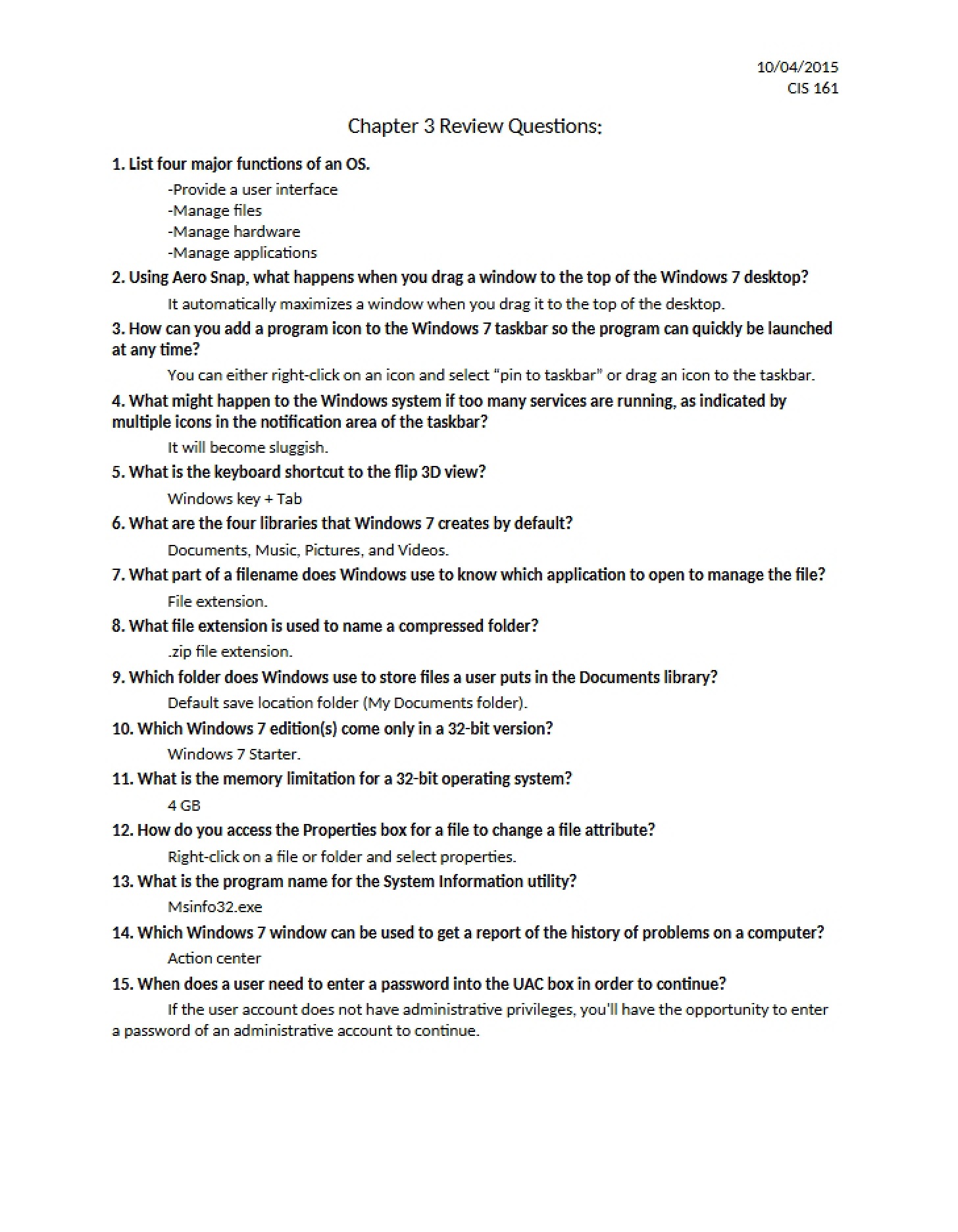
This study guide provides a focused review of key concepts related to operating system administration, specifically centering around the Windows 7 environment. It’s designed to reinforce understanding of installation, configuration, and basic troubleshooting techniques. The material is presented in a question-and-answer format, ideal for self-assessment and solidifying knowledge. It’s geared towards students learning the fundamentals of Windows 7 and its place within a broader computing context.
Why This Document Matters
This resource is particularly beneficial for students enrolled in introductory computer information systems courses, or those preparing for certification exams covering Windows 7 administration. It’s useful for quickly reviewing core principles before quizzes, tests, or practical assignments. Individuals seeking to refresh their understanding of Windows 7’s capabilities and limitations will also find this guide valuable. Access to the full content will allow for a deeper dive into the nuances of OS management.
Topics Covered
* Windows 7 Editions and System Requirements
* Operating System Reinstallation and Recovery Procedures
* Virtualization Technologies and Software Options
* Windows Upgrade Paths and Compatibility Considerations
* File System Fundamentals (NTFS)
* Partitioning and Dual-Boot Configurations
* User Account Control and Security Settings
* Network Sharing Options (Workgroup vs. Homegroup)
* Domain vs. Home Network Setup during Installation
What This Document Provides
* A comprehensive set of review questions designed to test understanding of key concepts.
* Focused exploration of the differences between various Windows 7 editions.
* Insight into the prerequisites and procedures for upgrading from older operating systems.
* A comparative overview of different network sharing methodologies and their security implications.
* A structured approach to understanding the core components of a Windows 7 installation.